1. Home
  2. /Game examples
  3. /Move object with forces

Move object with forces

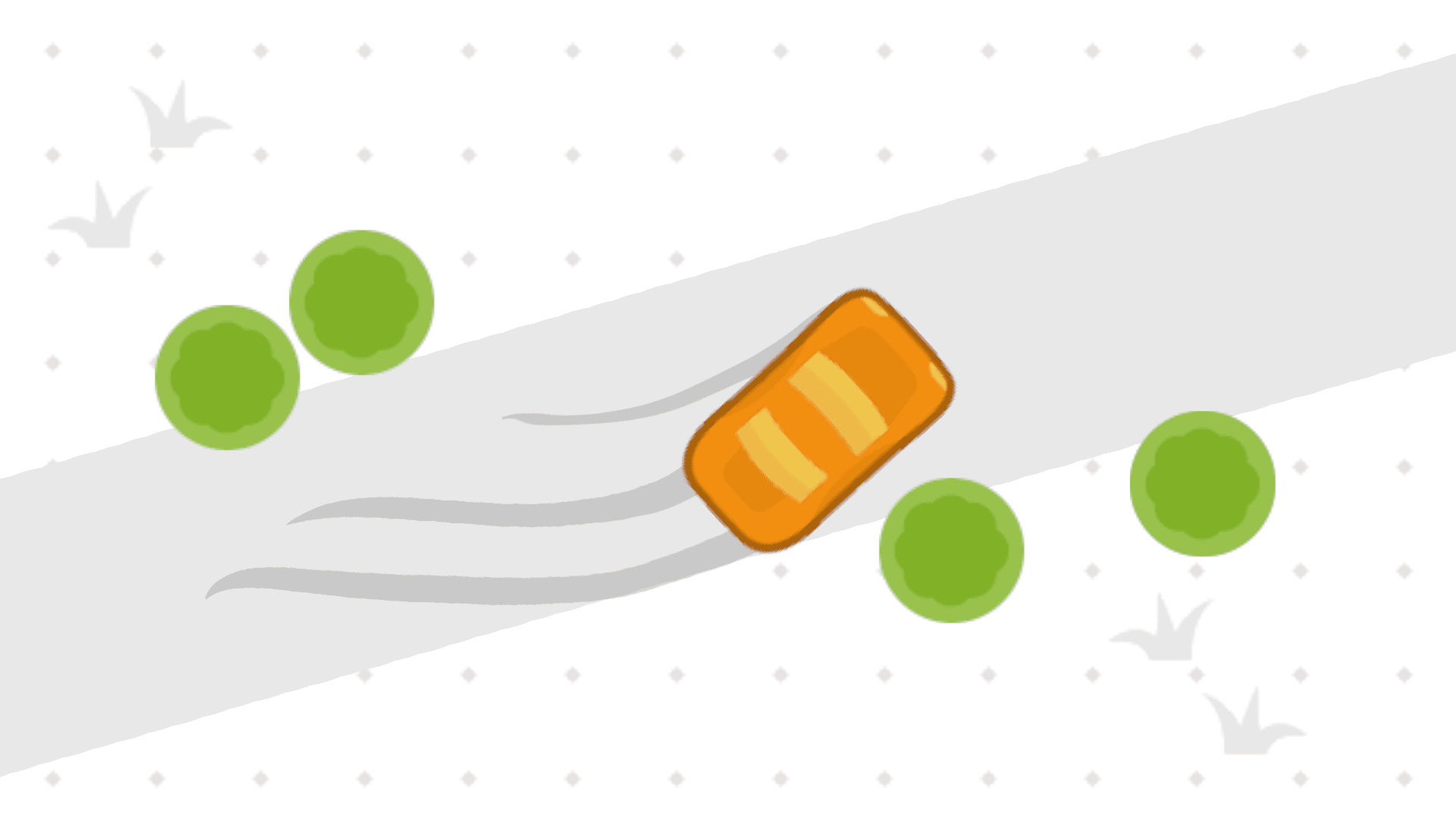
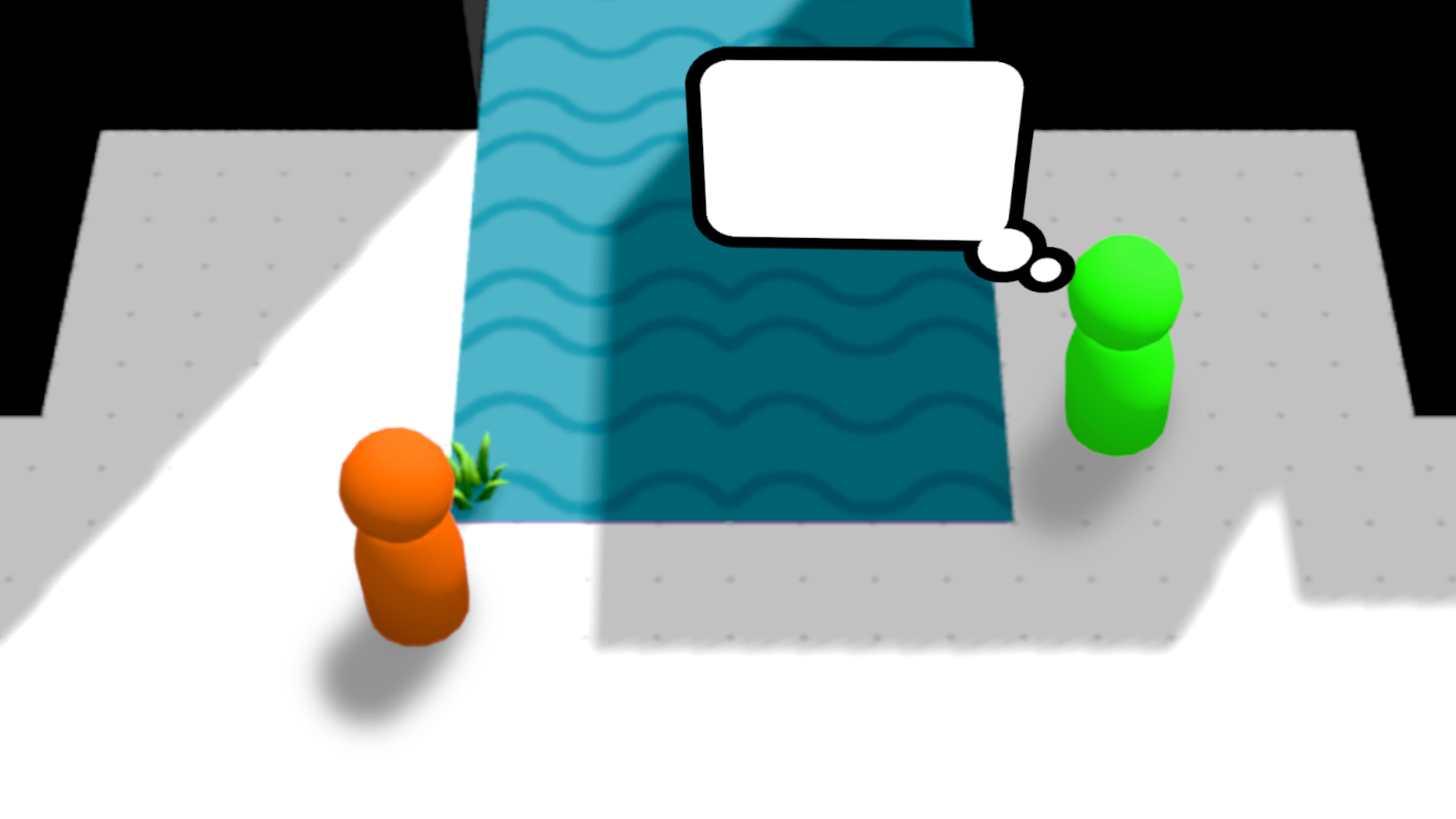
This shows how to use the forces built in GDevelop to move an object.

How it's built?

This game is made with GDevelop using these features:

  • Objects with animations
  • Events and control flow
  • Keyboard
  • Mouse and touch
  • Objects
  • Objects with effects
  • Flippable objects
  • Objects with opacity
  • Resizable objects
  • Scalable objects
  • Sprite
  • Objects containing a text
  • Text object

Edit it in GDevelop

Try Move object with forces online

Test and edit this example in the GDevelop game engine.

GDevelop

  • Features
  • Games
  • Blog
  • Contribute
  • Download
  • Join the Advocate Program
  • Game Examples and Templates
  • Asset Store
  • Pricing
  • Merch Store
  • Terms and Conditions
  • Privacy Policy
  • Press Kit
  • About us

Education

  • Classrooms and Education
  • Learn JavaScript
  • Learn with Tutorials

Game Design

  • Game Creators and Indies
  • Game Studios and Agencies
  • Best Practices when Making Games
  • Publish on Steam
  • Game Jams

Business

  • Custom Game Development
  • Support and Consulting
  • GDevelop compared to Unity
  • GDevelop compared to Roblox
  • GDevelop compared to GameMaker Studio
  • GDevelop compared to Scratch
  • GDevelop compared to Stencyl
  • Bubble.io for Game Development
  • Canva for Making Games
  • Making Promotional Games for Brands with GDevelop

English
English
اَلْعَرَبِيَّةُ
汉语
Deutsch
Español
Français
हिन्दी
Italiano
日本語
Português
Português do Brasil
Română
русский язык
Türkçe

Join the community

Stay tuned