


Features
GDevelop is bundled with hundreds of features to help create any kind of game you can imagine.


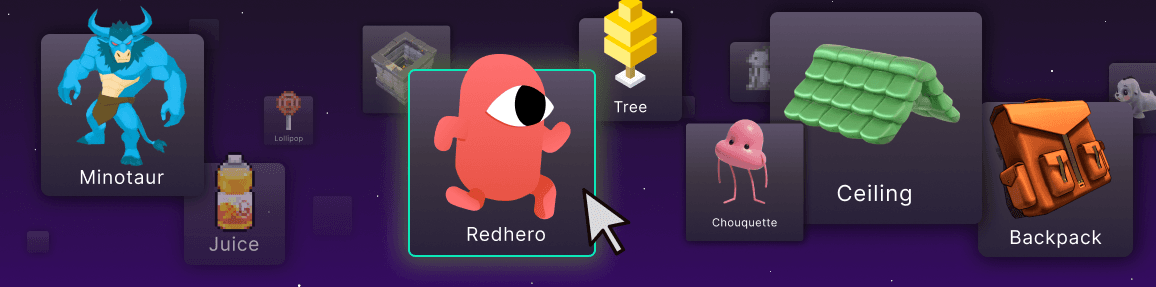
2D and 3D objects for any game type
Easily create objects and drop them in to your scene to use them. Add 3D models, 2D sprites, particle emitters, text objects and many others.
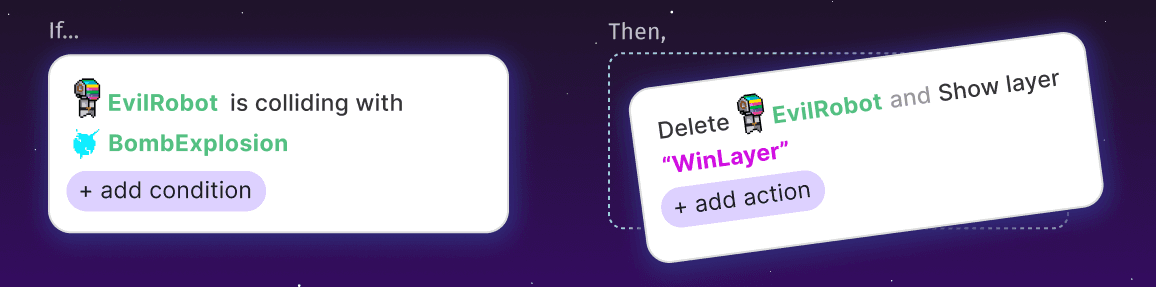
No-code event system
No need to learn to code, because our intuitive event system makes game logic easy. Refined over the years, it's the most accessible and efficient no-code approach that was ever made.
Add Behaviors To Game Objects
Choose from over a hundred pre-built behaviors, like platformer movement, a health system, and pathfinding. Combine multiple behaviors on a single object to create exactly what you need.
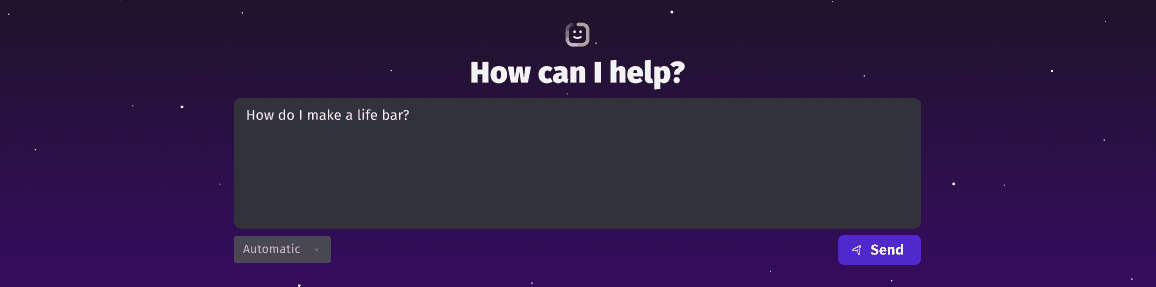
In-Engine AI Helper
Ask the AI game development related questions to get on-demand help with your project, or have it build features for you, and watch it work while it explains the steps it's taking in real-time.
One-click export to all platforms
Games created with GDevelop run anywhere and can be exported in a single click to be played on the web, on Android mobile devices, on iOS, and on desktop computers, with built-in systems like Google AdMob, Steam integration, and SDKs for popular gaming sites.
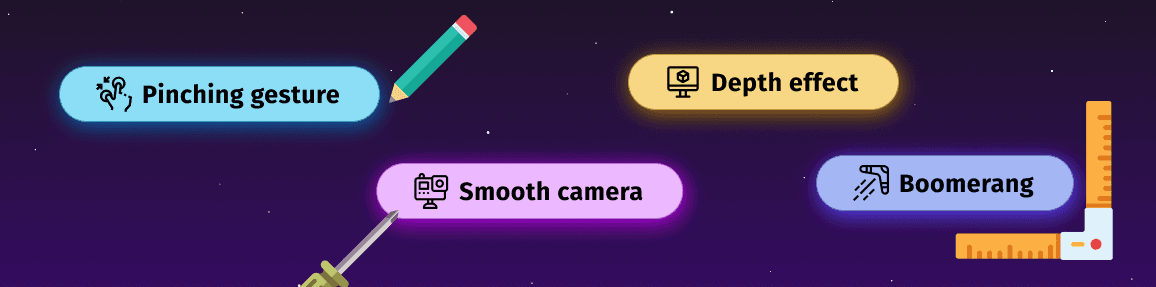
Expand core features with community-made extensions
Install open-source extensions that add specialized functionality like advanced controls, UI systems, and dialogue editors. Build on top of an extensive library of community maintained extensions.
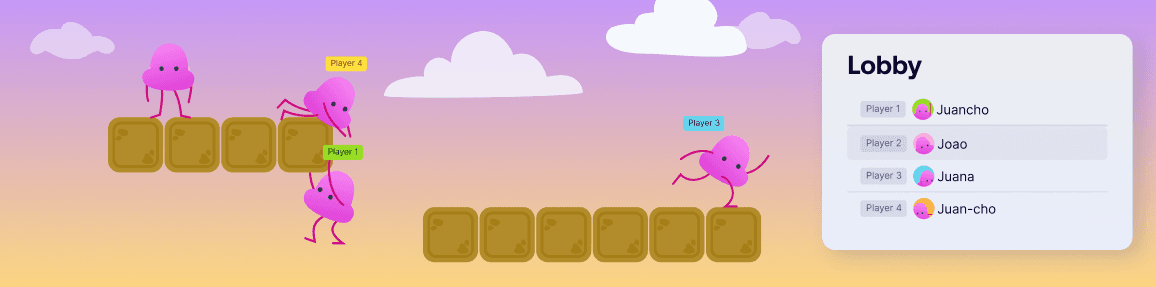
Built-In Multiplayer System
Add multiplayer features to any game in minutes, with no complicated server setup required. Create real-time multiplayer games with lobbies, leaderboards, and player login support.

Lightweight and powerful
Perfect for creating any 2D and 3D you can imagine. From small mobile titles, to larger steam releases. Powerful, open-source game engine powered by WebGL and WebAssembly.
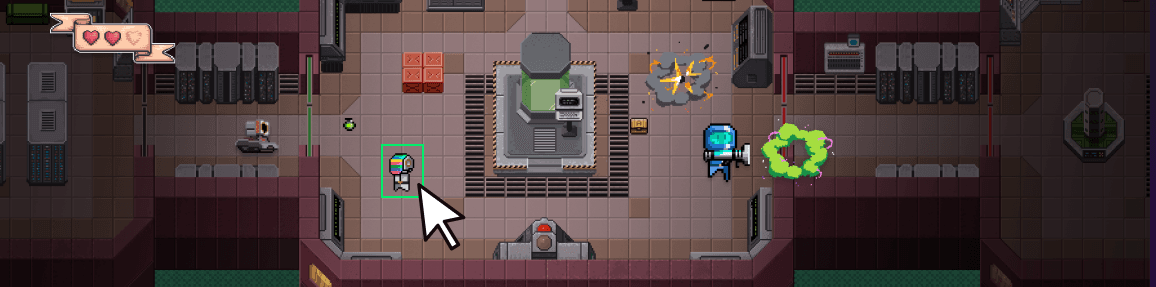
Huge Built-In Asset Store
Browse thousands of free and premium asset packs, game templates, custom objects, extensions, and sound effects. It's fast and integrated directly in GDevelop.


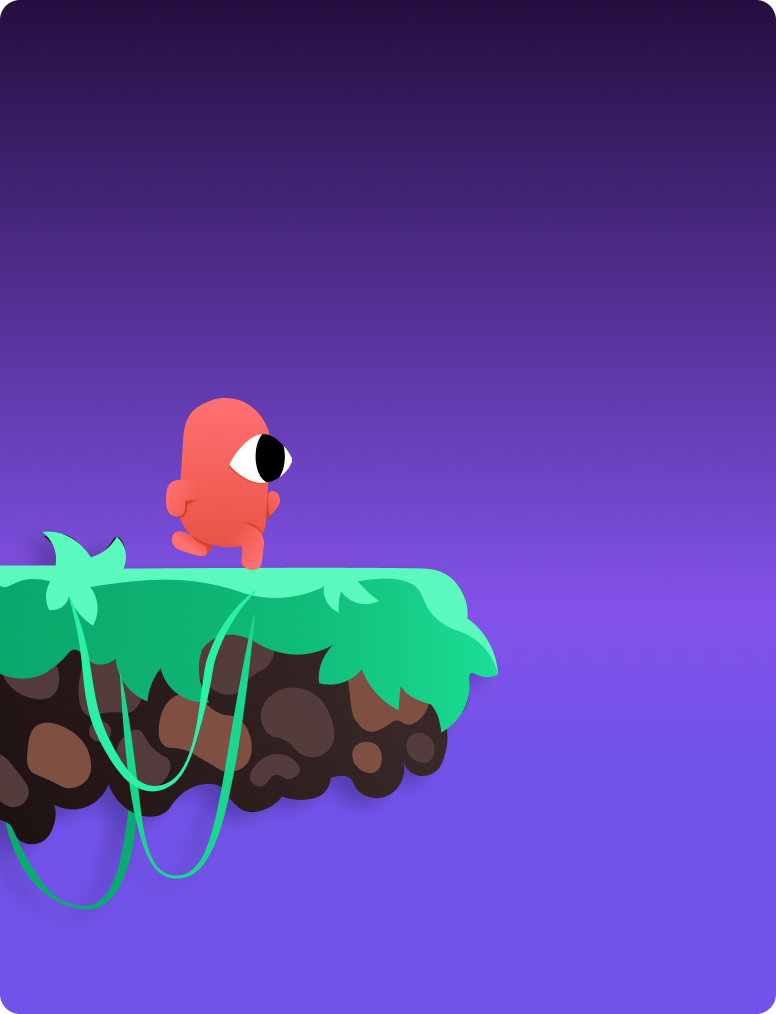
Let's try a shader
Visual effects to enhance aesthetics
Apply shader effects for blur, glow, color adjustments and more to layers or objects. Add professional-looking effects through simple selection without needing shader programming knowledge.
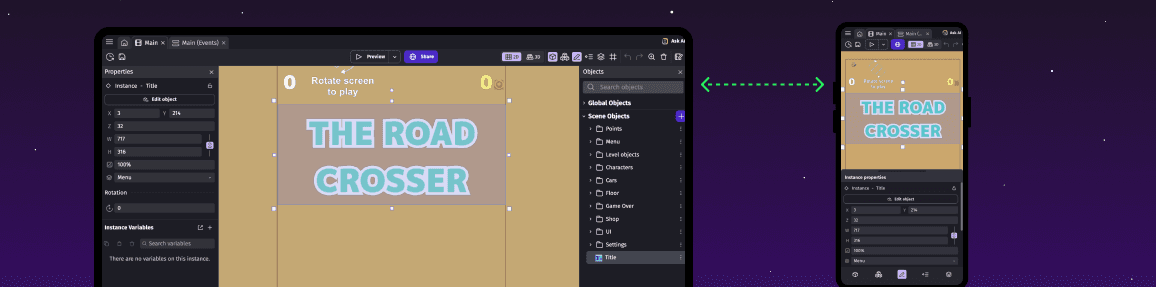
Synchronise projects across devices
Run the editor on desktop, mobile or in browsers with automatic cloud project synchronization. Continue your development across different devices seamlessly.

Instant game preview and sharing
Preview your game immediately via QR code or share a link. Test changes in real-time without waiting for export steps or build processes.
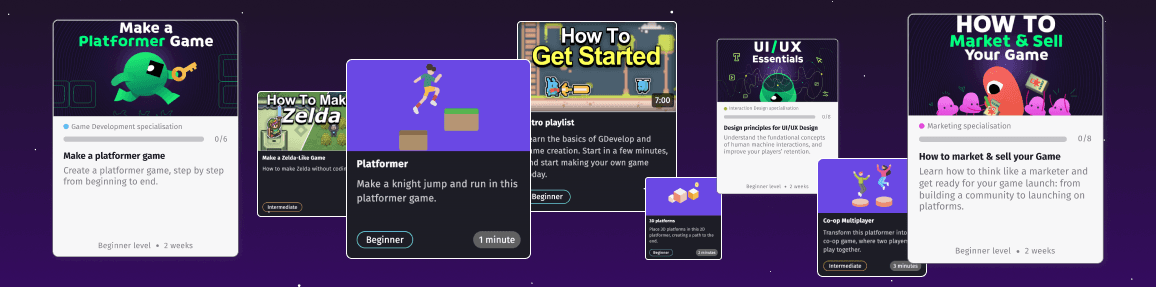
Tutorials and Courses
Access in-app tutorials, free learning resources, and premium courses directly in the editor. Content covers everything from basic concepts through complete game development workflows.
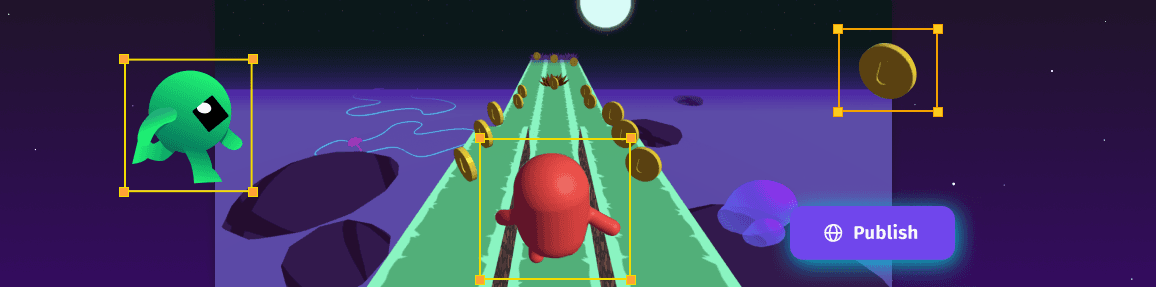
Edit 3D scenes in real time
Position 3D models, lighting, and cameras with immediate visual feedback. See your scene adjustments instantly without waiting for separate rendering steps.
GDevelop’s cloud based features
Build a multiplayer or a game with a strong virality component. Analyze your game success and how players are interacting with it.
GDevelop’s technical features
Battle tested technologies — from promotional, casual games to ambitious games with more than 1M downloads.
Product Roadmap
2025
"Else" event logic support
Smarter logic flow with conditional else statements.
Spine character skin management
Switch character skins dynamically at runtime.
Real-time audio preview
Hear your sounds before adding them to scenes.
Multiple project windows
Work on multiple projects side-by-side.
Electron v32 performance boost
Faster editor with better rendering performance.
45-degree rotation shortcuts
Quick 45° rotation in 3D editor with Alt key.
2026
Deprecated function warnings
Visual alerts for outdated functions in extensions.
Enhanced Else event logic
Refined conditional Else statements with bug fixes.
Scene folders
Organize your scenes with folder hierarchies.
2D spritesheet support
Streamlined animation workflow with spritesheets.
3D Dynamic lighting
Real-time lighting that responds to your 3D scenes.
3D Shader/Material support
Advanced materials for 3D graphics.
Real-time 2D editor
See changes instantly as you build your 2D scenes.
Better AI event generation
Smarter AI that understands your game's logic.
2D & 3D NavMesh pathfinding
Intelligent pathfinding for characters in any game.
Faster workflow (less modals)
Smoother development with fewer interruptions.
Super fast development with Live Preview
Preview your games on other devices (phone, tablet, other computers) with GDevelop’s Network Preview. Apply your changes to the game with a simple button. No export needed.
Apply shader effect to Platform



Deploy your game everywhere
Games created with GDevelop run anywhere and can be exported in a single click: On the web, as Android mobile apps, publish on Steam, Epic Games Store, Facebook Gaming, Poki, CrazyGames, Itch.io, Newgrounds, the Microsoft Store...