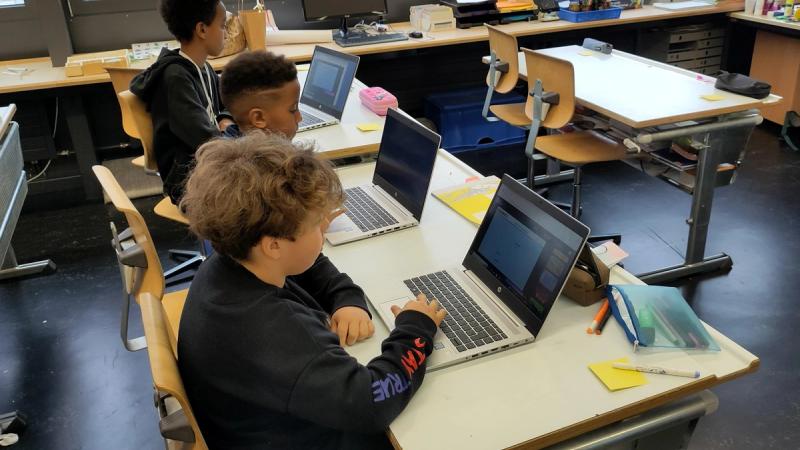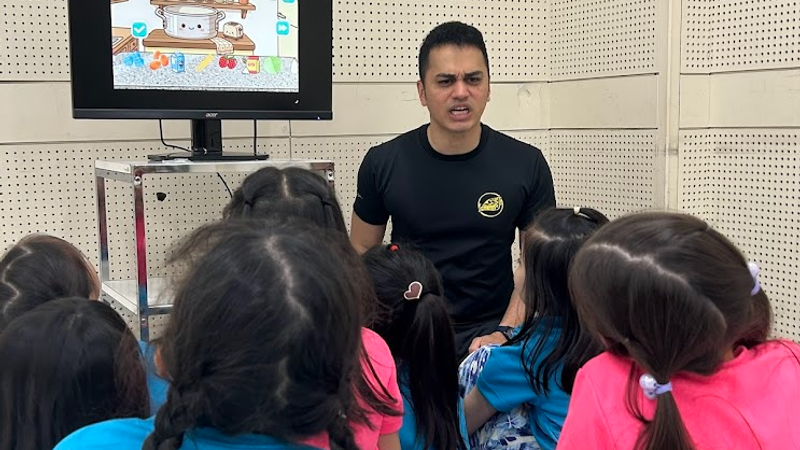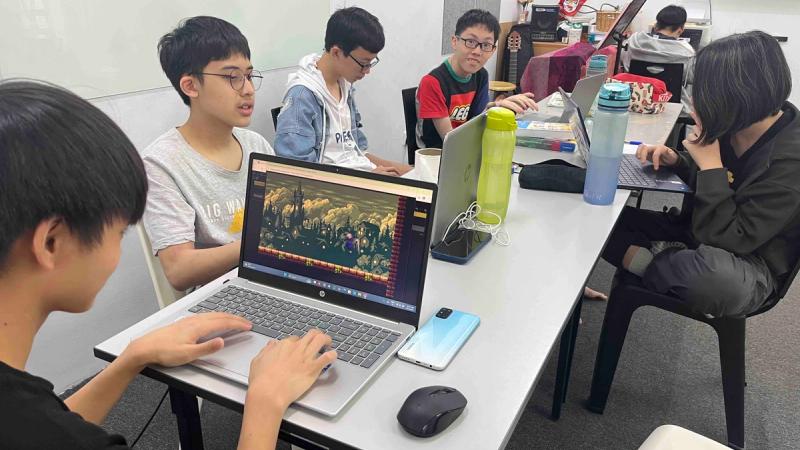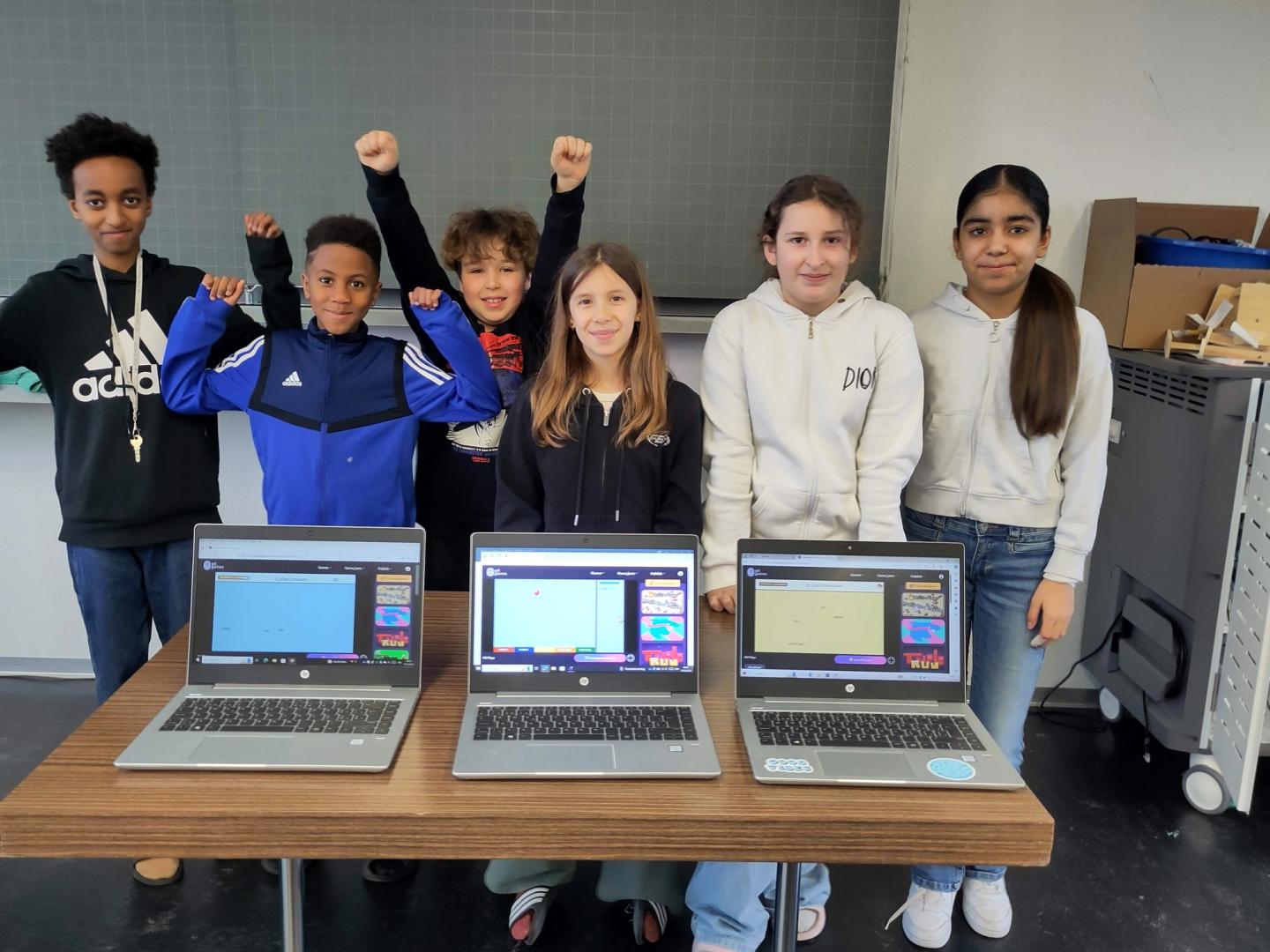
Students learning with GDevelop.
Since MIT's Media Lab released Scratch in 2003, it has introduced more than 130 million registered users to the idea that programming can be visual, creative, and fun.
But every CS teacher hits the same wall eventually. Scratch has a ceiling.
When students want real physics, real export options, real performance, actual games they can share outside a browser tab, most curricula hand them the keys to Unity, Godot or Python and hope for the best. For the majority of students, that leap doesn't go well. Mark Young, who teaches Game Design at Webster Groves High School in Missouri, spent over a decade watching this play out after moving his students from Unity:
Our students often came to us with little to no programming experience and shared with me that it was quite challenging for them to enter straight into a world of object-oriented programming along with learning a new game development platform.
This frustration is backed by research. A 2016 study by Quille and Bergin at an Irish college found that Scratch engaged fewer than half of first-year computer science students and did not improve self-efficacy compared to other approaches. A broader research review concluded that "Scratch may not be engaging for university CS1 students." The tool that excited a 10-year-old can feel patronizing to a 15-year-old, and the jump to Unity or Python loses the students you most need to keep.
There is a better path, and thousands of educators worldwide have found it.
GDevelop: The Bridge That Actually Works
GDevelop is a free, open-source game engine that runs in a browser. It exports to Windows, Mac, Linux, Android, iOS, and the web. It supports 2D and full 3D development, has powered games with over a million downloads, and has been used in classrooms with students as young as 7.
Ángel González, a Computer Science teacher at IES Alameda in Utiel, Spain, calls it "the perfect bridge between a beginner tool like Scratch and a professional-grade engine like Unity." He's been using GDevelop as his introductory programming tool for three academic years with students aged 15-17, and is direct about why the Scratch comparison matters:
It fills a gap left by tools like Scratch, which for 15-year-olds falls short and can be perceived as somewhat childish. GDevelop, on the other hand, offers them a much more 'professional' environment. In the end, you can teach the basics of programming fundamentals without having to 'write code,' and generally, it facilitates the subsequent leap to high-level languages.
His students entered a STEAM skills competition organized by the Polytechnic University of Valencia and won third prize.
One feature that doesn't get enough attention in education circles: GDevelop doesn't force a choice between visual programming and real code. The event-based system looks and feels like an advanced version of Scratch's logic blocks, but it's built on JavaScript under the hood. A teacher can run a class entirely in the visual system for beginners, then introduce JavaScript snippets as students are ready. Variables, conditions, loops, and functions (all the fundamentals students need to eventually work in Python or Java), get learned through building real, playable games, not through abstract exercises.
Games That Actually Ship
There's a specific moment in game development education that changes things: when a student shows someone else their game. Not a screenshot. An actual playable experience.
GDevelop games can be shared with a single click to gd.games, GDevelop's own hosting platform, where anyone can play them in a browser. They can be exported as Android apps, submitted to itch.io, or published to Steam. The gap between "I made this in class" and "here's a link" is essentially zero.
Deborah Khoo, a teacher at a childcare center in Penang, Malaysia, works with students aged 7 to 17. After years of using Scratch with older students, her class discovered GDevelop. Her students' teams entered GDevelop's BIG Game Jams and shipped four complete games: OP Rising, Dimenshift, Ghost Binding, and Friendly Edge; playable games made by students who had recently graduated from Scratch.
In her words:
It seemed like a great way for my students to expand their game creation, plus a fun way to introduce to the kids with no coding experience.
One student: "GDevelop is my favorite coding engine, because it's not only simple to understand, but it really helps me be more creative when making these games."
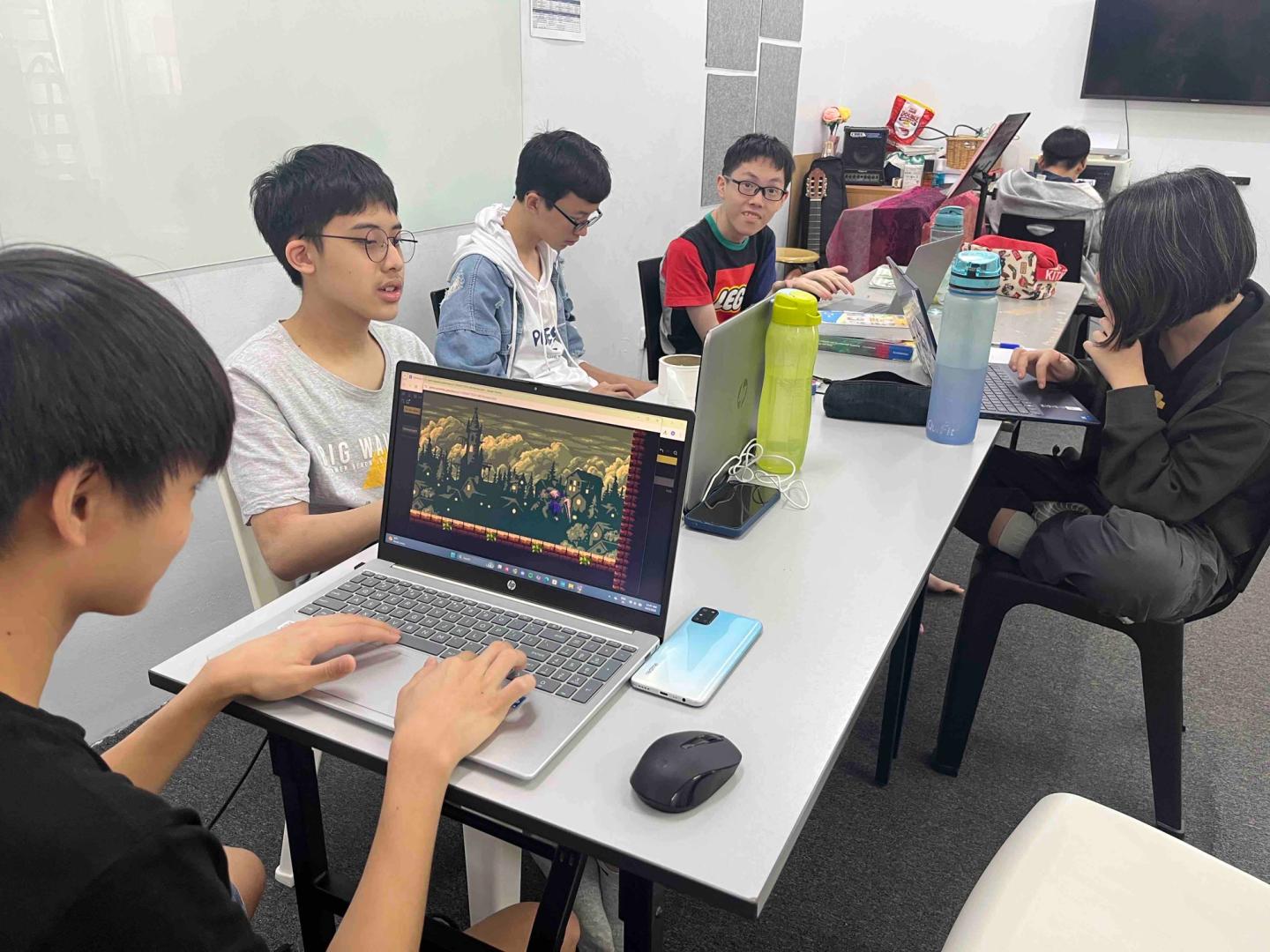
Deborah's students having fun with GDevelop.
No Installation, No Compatibility Headaches
School networks block installers. Students use Chromebooks that can't run native apps. Home computers range from gaming rigs to decade-old laptops. A tool that requires a powerful local installation excludes a portion of the class before they've typed a single line.
GDevelop runs entirely in the browser. There is nothing to install. Students log in and their project is there, on any device, at school or at home.
Mark Young's students noticed immediately:
Students have been really happy with the fact that they do not have to install software and that they can resume work on their projects from any device just by opening up a browser and logging in.
Ryan Schmit, a Computer Programming teacher at Ironwood High School, uses GDevelop's curriculum materials to run fully self-paced classes. Students returning after months away from the tool can pick up where they left off. One of his students:
The detailed explanations in the instruction PDF file also helped a ton.
What GDevelop for Education Adds
The engine is free. GDevelop for Education is a paid subscription built specifically for schools, and it's where the classroom experience goes from good to complete.
The curriculum. GDevelop for Education includes a ready-to-teach, in-house curriculum built by teachers who actually use it in classrooms. It's been so well-received it earned state approval in Washington State, USA. Teachers using game development-centered curriculum report up to 50% higher student engagement compared to traditional programming courses.
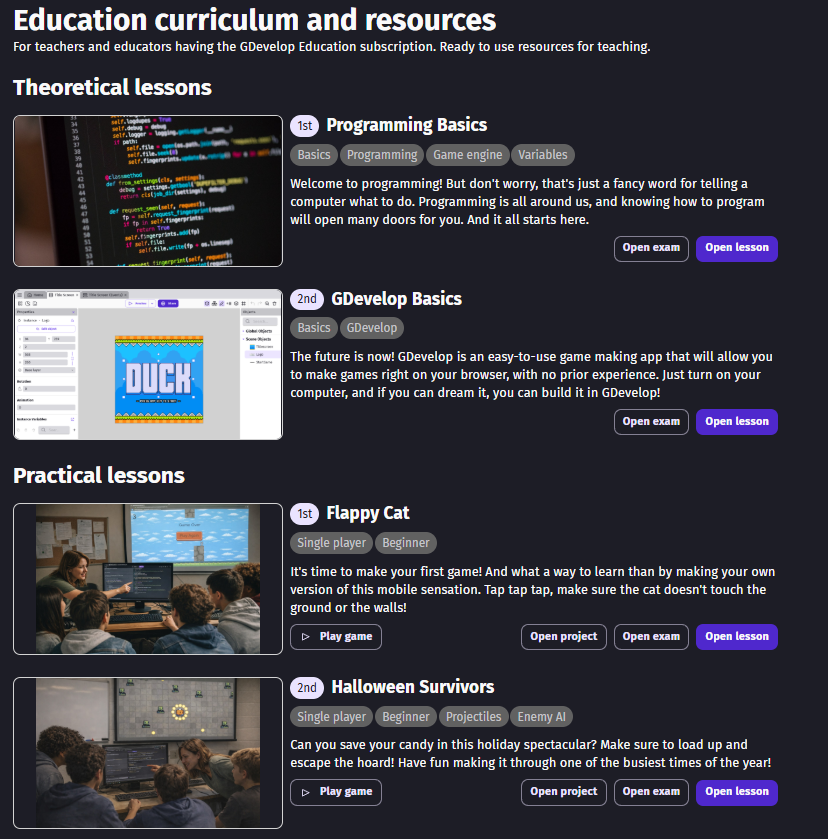
A look at the GDevelop curriculum.
Thomas Ricordeau, a Graphic Design teacher in Marseille, France, who has taught with GDevelop since 2018, describes the practical value:
From an educational point of view, GDevelop proves invaluable. It's versatile, compatible with both Windows and Mac systems, regardless of the computer's power... Moreover, the non-coding approach is crucial for graphic-design students who are not computer programmers.
Classroom management. Teachers get a dashboard to monitor and access student projects in real time, manage seats, and use distraction-free modes that work across devices and browsers.
Anonymous student accounts. Students don't need an email address. Teachers can assign fully anonymized accounts, which removes the password-reset headache and keeps young students' data out of the system entirely. SSO and institutional accounts are also supported.
100 cloud projects per student, 5 days of version history, real-time collaboration, publishing to any platform, and full mobile app access are all included.
Privacy compliance. GDevelop for Education supports NDPA agreements and custom privacy arrangements for districts that require them.
Human support. The GDevelop education team works with schools directly, signs on to vendor lists, and accepts purchase orders. You can schedule a call with the education team to discuss what works for your school or district.
Student projects belong to the students. Even after a subscription ends, projects can be downloaded and continued using the free engine.
What Independent Reviewers Say
Educational App Store, which evaluates tools using a pedagogy-based rubric, reviewed GDevelop in May 2024. Their assessment addressed the Scratch comparison directly: learners "won't reach technical limits for their ideas when using GDevelop, as they would with Scratch, and their imaginations can drive the growth of their skills." The review also noted that GDevelop doesn't carry that "school feel" that purpose-built educational platforms tend to project — because it's the same tool used by independent developers shipping real games, students feel like they're working on something that matters.
On Capterra, GDevelop holds a 4.6 out of 5 rating across 249 verified reviews, with a 4.7 specifically for ease of use. One verified reviewer who works in primary and secondary education put it this way: "GDevelop made it easy for me to jump in and try it out. I did have to watch some tutorials on YouTube, but after those, I was able to animate and code my own simple platformer, and my students were able to see it as well." Another: "This app has been for me the best option to approach students closer to the world of video games."
For Every Student, Not Just the Strong Ones
Any tool used in a classroom has to work for the full range of students in that room. Ángel González saw this directly:
The main benefit is that everyone can create — no student is left staring at the screen, stuck without knowing what to do. With GDevelop, every student or group can always take it one step further. The most advanced students get a huge amount out of it, while those who struggle more are left with the satisfaction of knowing they are programming and playing their own creations.
Deborah Khoo, who works with students who include those with learning disabilities, is direct about the longer-term stakes:
By introducing tools like GDevelop, we hope that they will be able to develop skills that will help them after they leave the school environment, whether it is teaching, creating more of their own projects, or getting a job in a game development field.
Maria Scheel-Lonsdale, an after-school program teacher in Denmark who has used both Scratch and GDevelop with students ages 9-15, describes how the transition actually goes:
To start using GDevelop you don't need to know how to code, or even know programming logic. You can learn by doing... The youngest kids were surprisingly navigating GDevelop rapidly due to their knowledge of Scratch.
Students coming from Scratch already know how to think in terms of conditions and actions. GDevelop's event system uses exactly that mental model. The foundation carries over.
How to Graduate Your Class
If you're teaching with Scratch and wondering whether your students are ready for something more, the transition is simpler than it looks.
Students who understand Scratch's event model (where a condition triggers an action), already understand how GDevelop's event system works. What changes is the scope: physics, proper export targets, better performance, and real JavaScript available when they're ready for it.
GDevelop for Education gets a class up and running within 48 hours. No IT involvement, no installs, no email accounts to set up. The curriculum is there on day one, and the teacher dashboard gives you visibility into every student's project from a single screen.
If you have students who loved Scratch at 10 and are quietly bored at 15, who want to make a game their friends can actually play, those students are ready. Give them the next step.
Teacher testimonials referenced in this article were sourced from the GDevelop blog at gdevelop.io/blog.